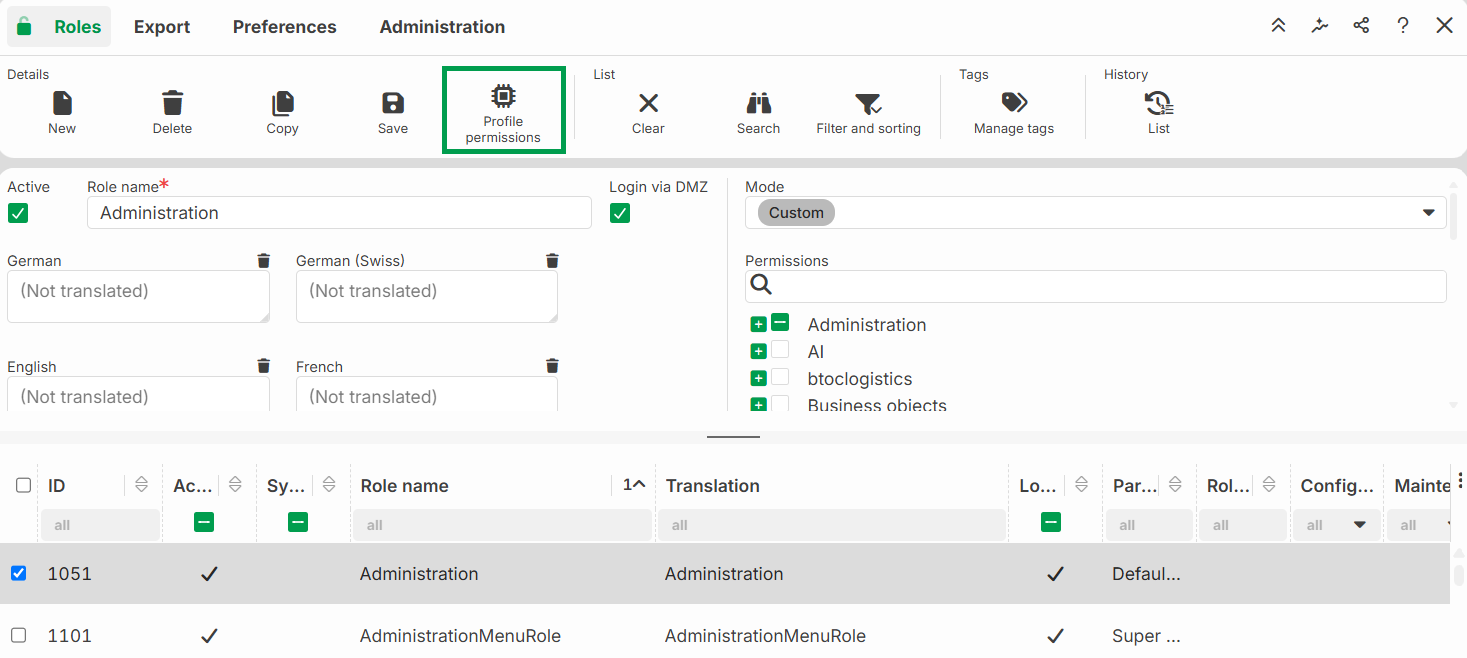
In the details view for Roles, the "Profile permissions" button opens a dialog box. There, you can manage the profile permissions for the selected role.
NOTE:
The "Profile permissions" button is only active if exactly one role is selected (single selection). You must also have saved the role at least once.
Settings
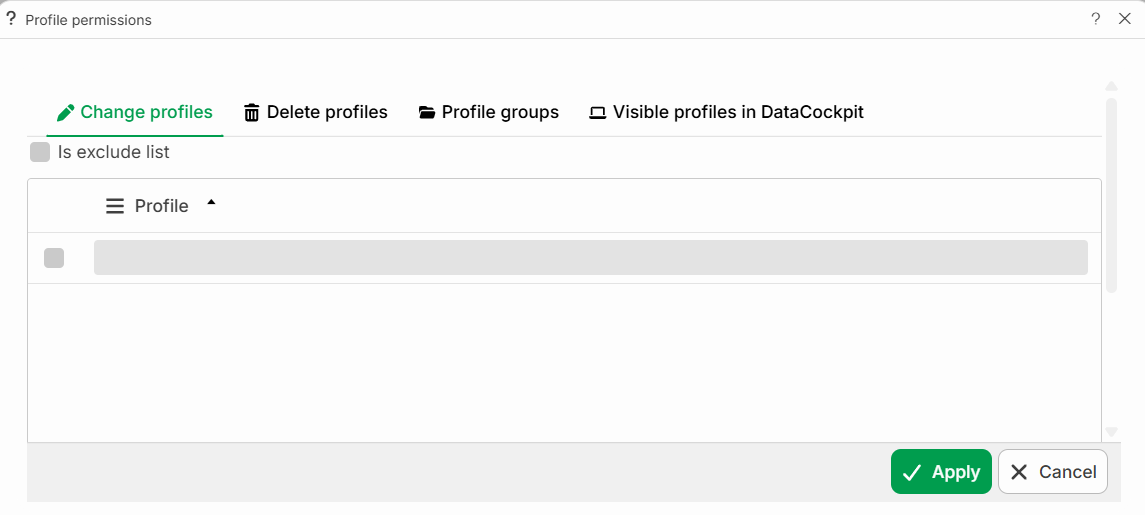
On the tabs, you can define various types of profile permissions for the selected role.
IMPORTANT:
To permanently save changes to a role's profile permissions, follow these two steps:
Close the dialog box by clicking Apply.
Save the modified role.