Settings

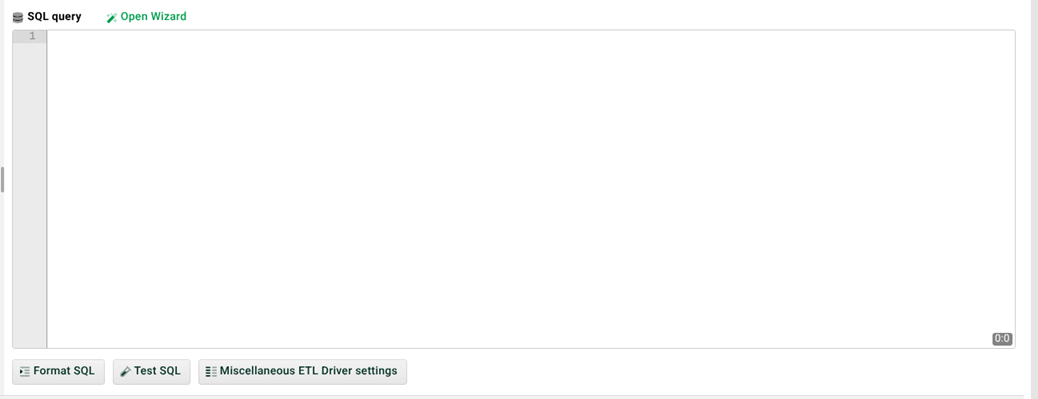
(1) Source DB alias: First select a database alias.
NOTE: The Variables (ETL/ELT) (@MYVAR@, type String) can also be used here. These are available via the dropdown menu.
(2) SQL console: See SQL console.
(3) Open Wizard: Here you can easily create the SQL query (4) with a wizard.
(4) SQL query: The SQL query created by the wizard (3). The ETL/ELT source fields are created based on the name after the AS. You can also adjust it manually. In addition, you can insert WHERE conditions and use Variables (ETL/ELT) in them, e.g. WHERE id_partner=@VAR_ID@
NOTE: The value of the variable can be passed, for example, by a workflow when it starts the pipeline.
IMPORTANT:
Please note that you can only customize the ETL/ELT source field names using the
ASkeyword.SELECT id_partner...therefore cannot be successfully changed toSELECT my_id_partner...to get the ETL/ELT source fieldmy_id_partner, but only viaSELECT id_partner AS'my_id_partner'...
(5) Format SQL: Self-explanatory.
(6) Test SQL: Tests the SQL query (4) and returns the first row of the result set.
(7) Miscellaneous ETL driver settings: You can specify database properties here, which may override the properties from the alias. The changeable JDBC properties are predefined. Unknown properties are ignored and removed from the list.