The AMQP Input agent allows you to receive messages from a broker. Currently, only AMQP 1.0 aliases are available.
Prerequisite
The input agent can only be selected if at least one AMQP connection has been set up.
Navigation path
Integration > Profiles > Phase 1 > Change ... > AMQP
Settings
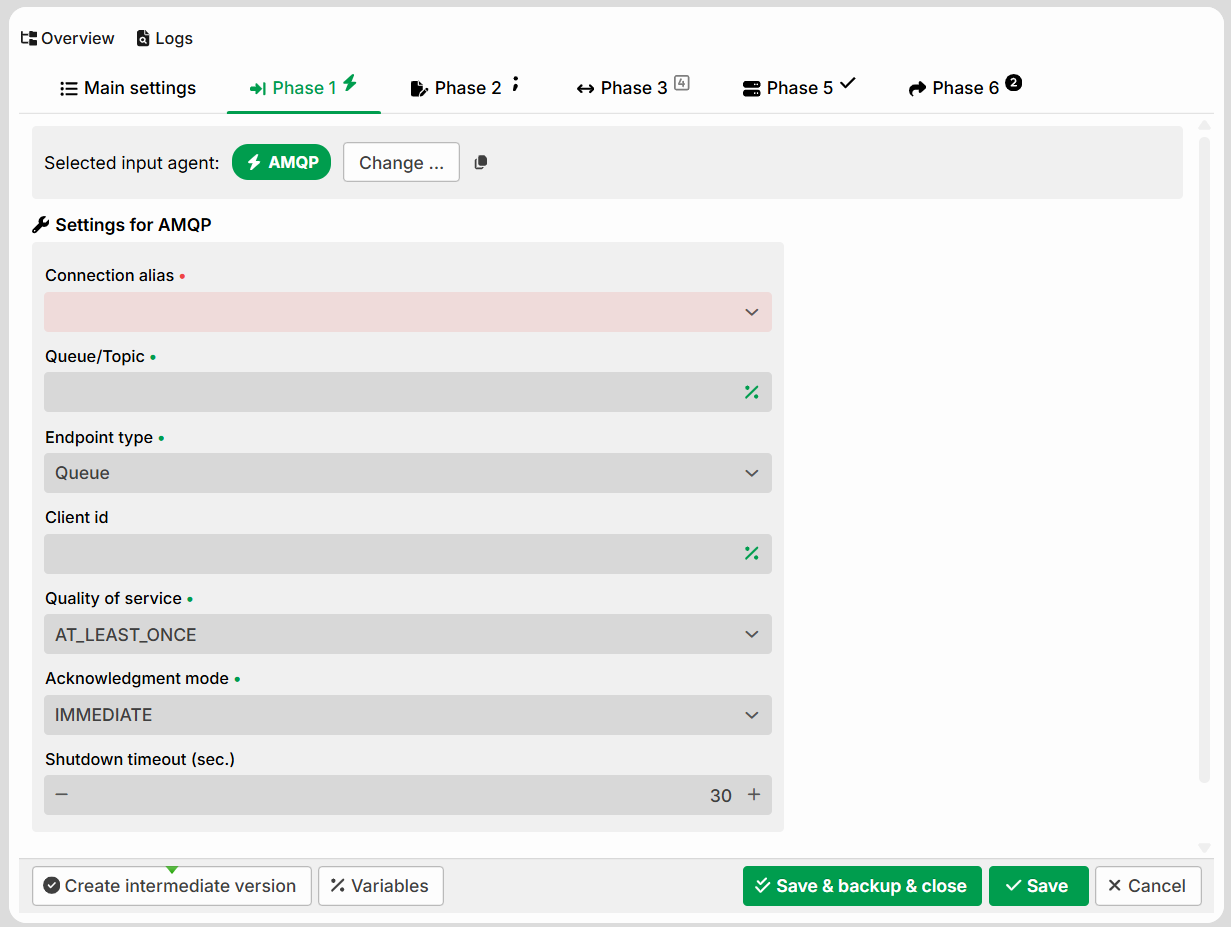
Setting | Description |
|---|---|
Connection alias | Selection of an alias. A required field. Currently, only AMQP 1.0 aliases are available. |
Queue/Topic | Name of the queue or topic to be queried. A required field. Some brokers require an additional prefix, for example, |
Endpoint type | Determines whether a Queue or a Topic is queried as the source. A required field. |
Client ID | Optional. Name of the client. If the field is left empty, an ID is generated automatically. A client ID is mandatory for a durable topic subscription. In IMMEDIATE mode, the client ID also controls whether queue consumers compete: a set client ID creates its own subscriber thread, so that the consumers of a queue compete for the messages. |
Durable subscription | Only visible when Endpoint type = Topic. Enables a durable topic subscription. Requires a client ID as well as a name for the subscription. |
Subscription name | Name of the durable subscription. Only visible when Durable subscription is enabled. |
Quality of service | Determines when a received message is acknowledged (see “Quality of service” section in AMQP (input agent)). A required field. |
Acknowledgment mode | Determines the timing and processing mode of the acknowledgment (see the "Acknowledgment mode" section in AMQP (input agent)). A required field. |
Shutdown timeout (sec.) | Only relevant for the synchronous acknowledgment modes (AFTER_PROCESSING, RPC). If the subscriber thread needs to be restarted, the system first waits for the configured duration for the running job to complete. After this period elapses, the thread is restarted and the message is not acknowledged – the running job continues, but the unacknowledged message is redelivered by the broker (duplicate processing). Default: 30.
|
Quality of service
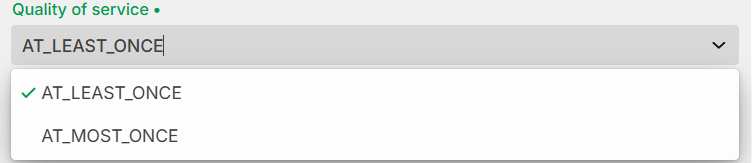
Option | Behavior |
|---|---|
AT_MOST_ONCE | A received message is acknowledged immediately. If an error occurs before the upload to the system, the message may be lost. |
AT_LEAST_ONCE | A received message is only acknowledged after it has been uploaded to the system. If an error occurs between the upload and the acknowledgment, a message may be processed twice. With RPC, an error during acknowledgment after a successful Job – for which the RPC response has already been sent – results in redelivery: the job runs again and generates a second response. |
Acknowledgment mode
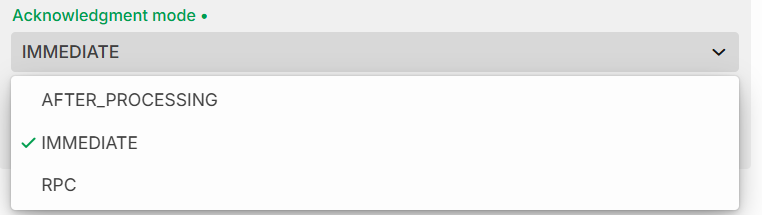
Option | Behavior |
|---|---|
IMMEDIATE | Asynchronous subscription. Messages are acknowledged after the upload to the system was successful. Profiles with identical settings are automatically grouped into the same subscriber thread (1:n) – all these profiles receive the message. CAUTION: Setting a Client ID creates a new subscriber thread. For queues, consumers then compete with each other (see Client ID). |
AFTER_PROCESSING | The message is only acknowledged after the associated job has been completed successfully. Requires the quality of service AT_LEAST_ONCE. A profile with this mode is always assigned its own subscriber thread (1:1), since this is a synchronous process. |
RPC | Synchronous process (waits until a response has been sent) and therefore also receives its own subscriber thread (1:1). |
AMQP Message properties
For incoming connections, the properties of a received message are provided in MSG_CALL_* variables.
Application properties
Each custom application property is collected and provided in its own variable MSG_CALL_AMQP_APPLICATION_PROPERTY_<key>. <key> is the key of the property (case-sensitive). In the legacy implementation, these were referred to as "headers".
Example:
An application property <key> with the value 2345 is provided as MSG_CALL_AMQP_APPLICATION_PROPERTY_Key with the value 2345.
Fixed Properties
The predefined properties are also provided – if set – in the corresponding MSG_CALL_* variable (if a property is not set, no variable is created).
You can find the full list of variables under System variables.