The Module selector is located on the far left of the Top bar, directly above the Main menu when it is open.
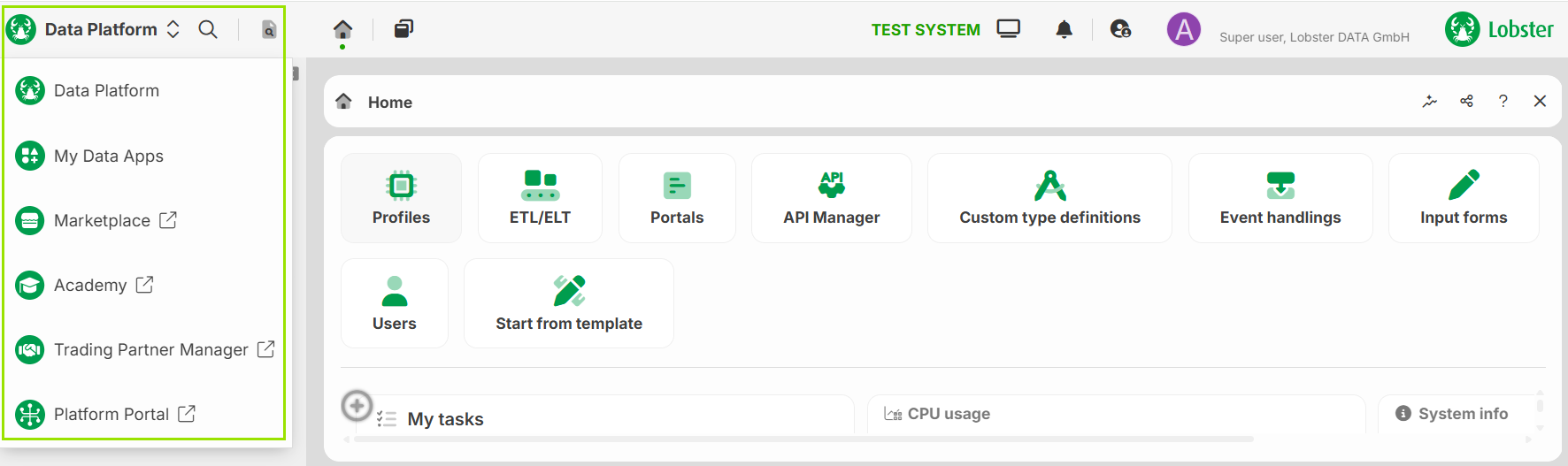
Click the Module selector to open a dropdown with all available modules. What happens next depends on the entry:
Entries without a link icon (Data Platform and My Data Apps) load the menu tree of that module into the Main menu.
Entries with a link icon (for example, Marketplace or Academy) open the external platform. The main menu stays unchanged.
NOTE:
The Menu search finds menu items across all modules, and you can open them directly from the search results. If you know which menu item you need, searching for it is often faster than selecting the module and navigating the menu tree.