This section displays profile wide Number ranges and Permanent values. Values are created using the save permanent() function and appear here automatically.
Create
Permanent profile wide values
Permanent profile wide values are not created manually in the overview on the Main settings -> Profile values tab, but are generated automatically by the save permanent() function in Phase 3.
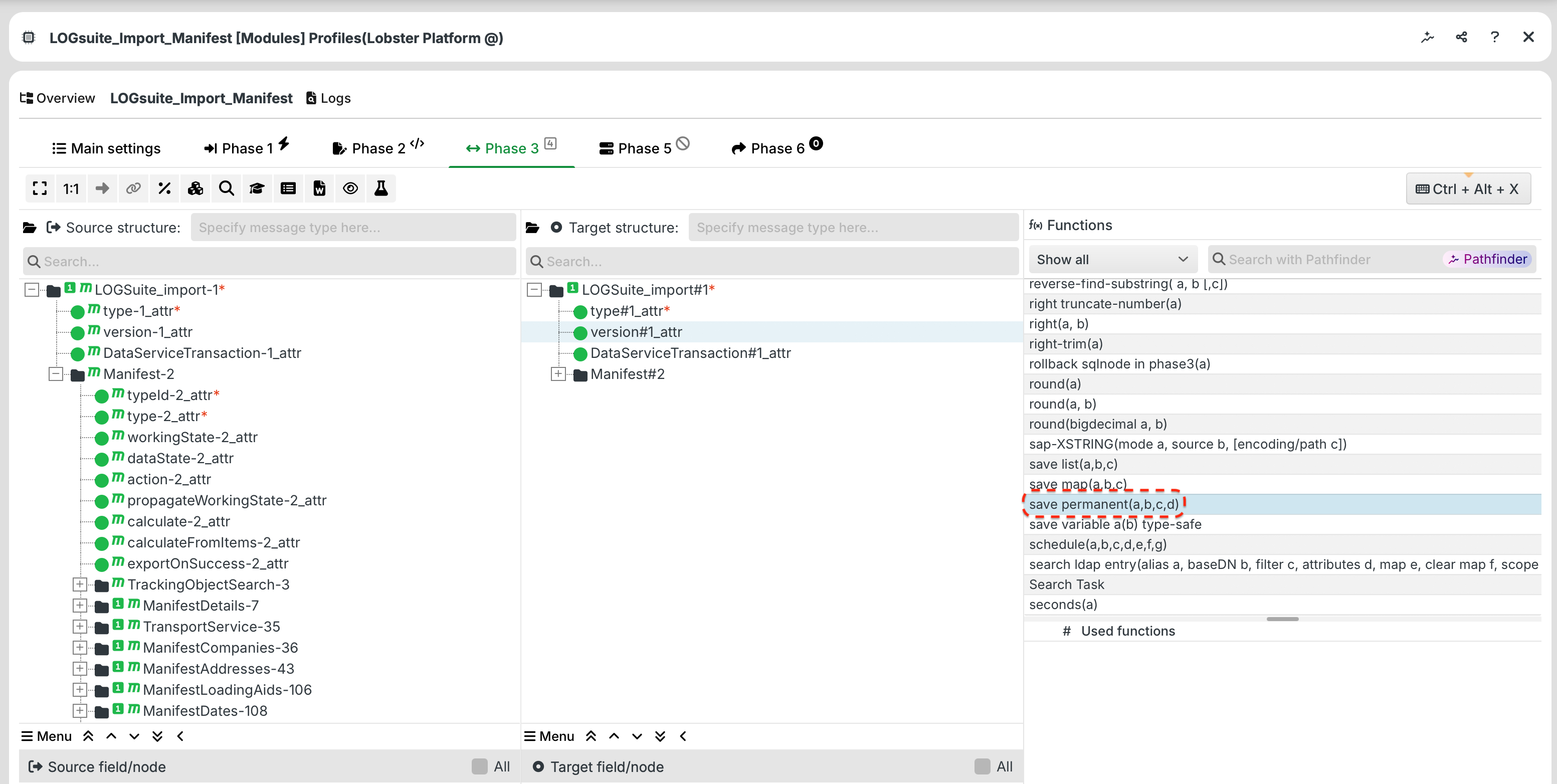
If you execute save permanent() in a profile and configure the scope to Profile, the saved value will then appear in this overview.
NOTE: You can set the name of a value when you call save permanent(). It cannot be changed later.
Profile-wide number ranges
Profile-wide number ranges are not created manually in the Profile values overview, but are generated automatically the first time one of the following functions is called:
As soon as one of these functions is executed in a profile, the number range will then appear in this overview.
NOTE: You specify the name of a number range when you call the function. It cannot be changed later.
Settings

You can use the context menu to delete entries or change their values. The names cannot be changed.