After registering you can sign in to the support portal, use the Community and create tickets. For all further services, such as the Lobster Cloud Platform Portal, your account also has to be assigned to your company's group. For the Platform Portal there is one more condition: your company has to run its Lobster Data Platform in Lobster Cloud hosting.
Why the Assignment Does Not Happen Automatically
During registration you enter your company name as free text. That does not reliably identify which customer account you belong to. Lobster therefore makes the assignment once you have identified yourself.
How You Notice It
You sign in with your email address and your password and reach the support portal, but not the service you want.
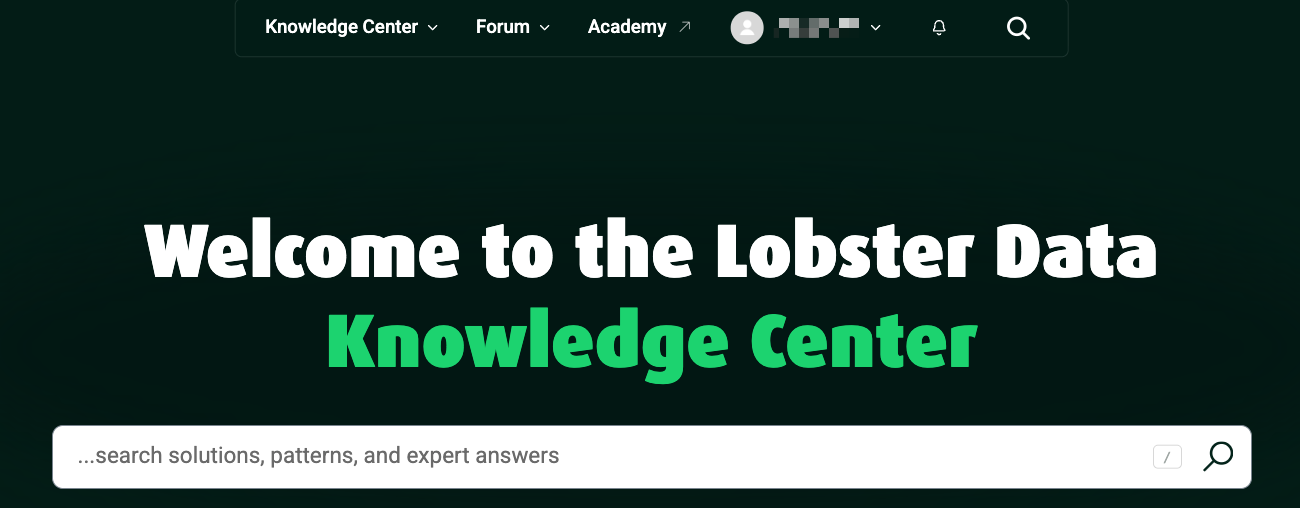
How to Request Access
The support portal offers a form you use to create a ticket. In it you identify yourself as an employee of your company. Describe your request in as much detail as possible and make it easy to verify, so that Lobster can complete the check without coming back to you. The following helps:
your full company name
the licence or system ID of your main system
the email address you registered with
your role in the company and what you need access for
Open your user profile, then select "My requests."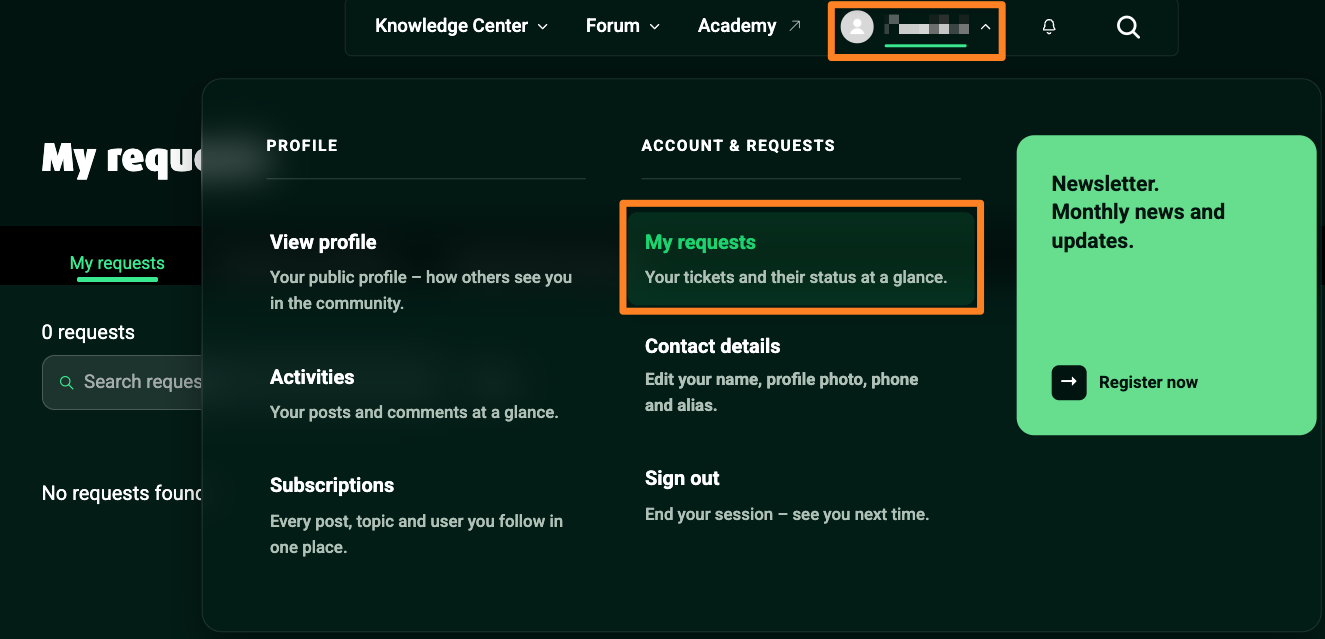
Under "My Requests," you will find the "New request" option.
.png)
Please fill out the form completely with the information mentioned above.
.png)
Lobster checks your details and then takes the next steps. This check can take a while. Once your account has been assigned, you receive a reply to your ticket. Sign in again afterwards. There is no need to create another account.
It Is Quicker Through Your Lobster ID Administrator
If your company already has a Lobster ID administrator, contact them first. When they add you as a user themselves, the assignment to your company happens along with it and you do not need to raise a ticket.