Settings

① Selection of a classic database connection (Alias). A classic database connection is selected to configure the previous time-driven custom classes DefaultFileSQLCron, DefaultSQLCron or CrossSQLCron.
② Business Connector: Selection of a Business Connector in a further dialog. See the following section.
Business Connector
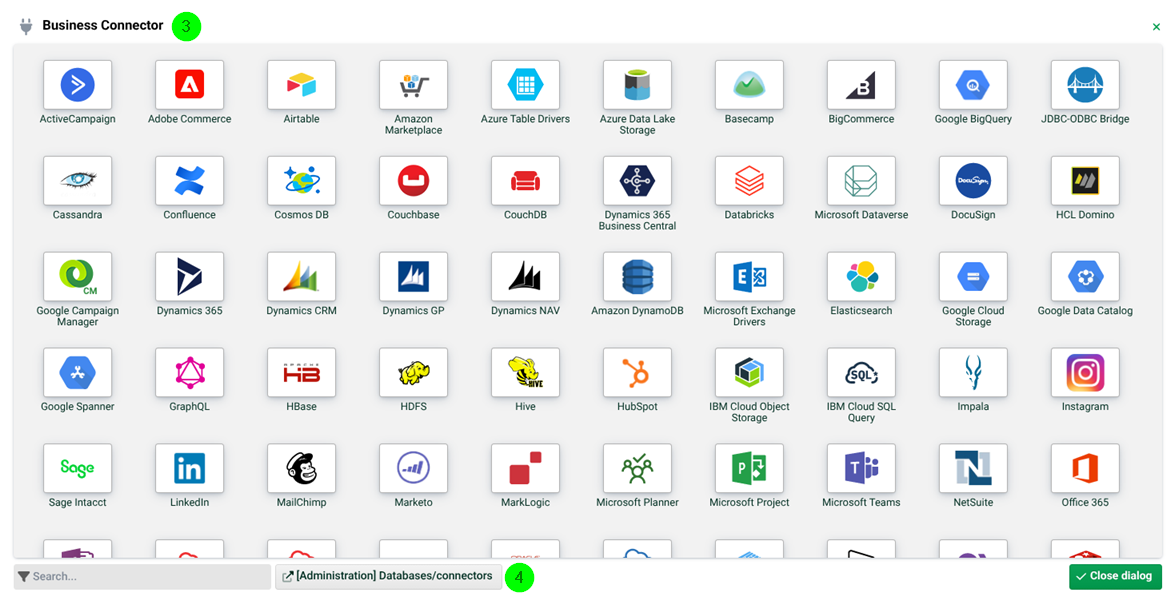
③ Business Connector: Selection of a chargeable Business Connector. Please contact info@lobstersoftware.com. See also Update center.
④ Administration database/connectors: Databases/Connectors.
DefaultSQLCron, DefaulFileSQLCron and CrossSQLCron
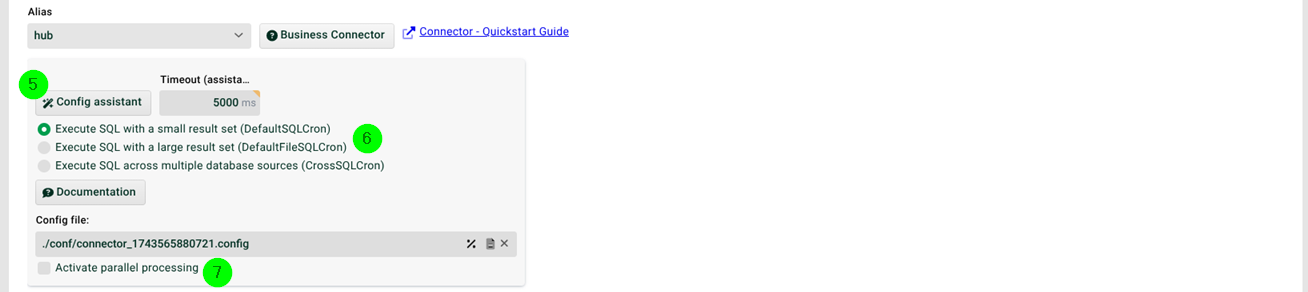
⑤ Config assistant: See section SQL Wizard.
⑥ Execute SQL with a small result set, Execute SQL with a large result set, Execute SQL across multiple database sources: Select here as required. See also sections DefaultSQLCron, DefaultFileSQLCron and CrossSQLCron.
⑦ Activate parallel processing: If this checkbox is set, several instances of this Profile can work in parallel. The checkbox "Profile may only run in one instance" (see General (Main settings)) must not be set then for this profile.