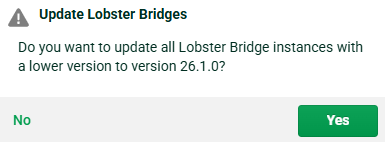
There are two ways a Bridge can be updated.
On the bridge system itself, where the update can be downloaded and installed.
On the connected Lobster Data Platform without needing to have access to the Bridge system.
Updating Lobster Bridge on the bridge system
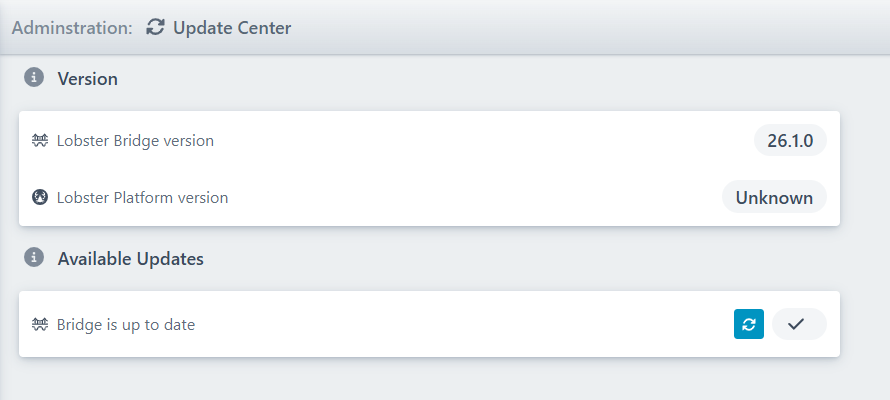
Navigate to “Administration→ Update Center” on the bridge.
The bridge can be updated if the bridge version is different from the Lobster Data Platform version.
Use the download button  . The bridge will restart and install the update.
Updating Lobster Bridges on the Lobster Data Platform
Navigate to “Configuration → Connections → Bridge connections” on the Lobster Data Platform.
If you click button “Update Lobster Bridges“, all bridges with a lower version than the Lobster Data Platform version will be updated.