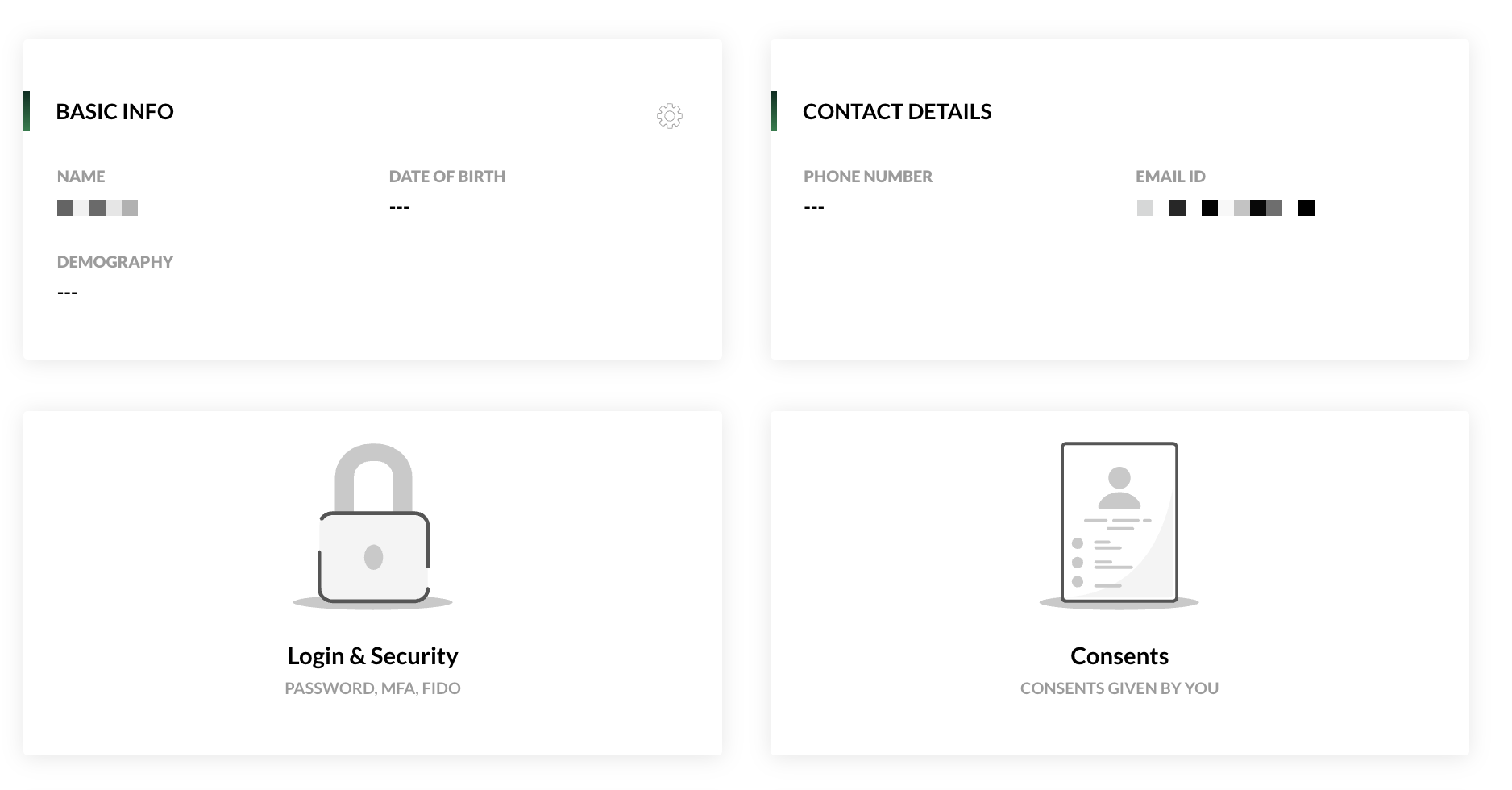
Your user profile is where you maintain your own data and change your password. The changes apply to every service you use with Lobster ID.
Opening Your User Profile
Open your user profil.
Sign in with your Lobster ID credentials if you are not signed in yet.
Edit your data and save.
You can also reach your user profile from any Lobster application that uses Lobster ID, that is from the support portal, the community and the Lobster Cloud Platform Portal.
Changing Your Password
You change your password in your user profile as well. The same rules apply as for registration, see Creating an Account. The rules are also shown to you as you type.
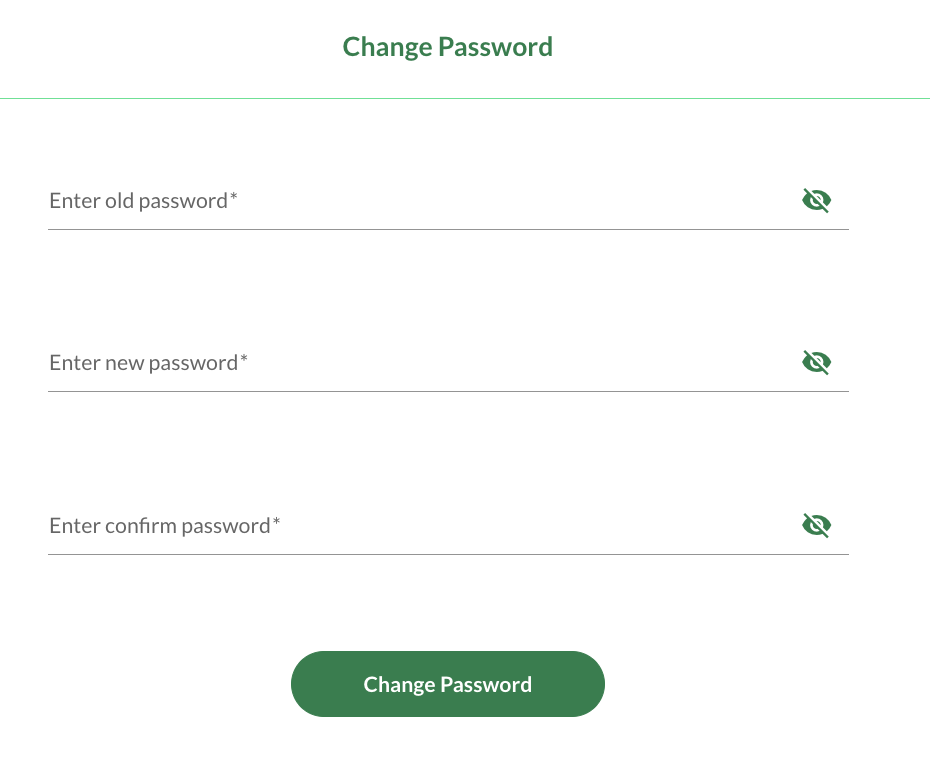
If you no longer know your current password, reset it from the sign-in page instead. "Resetting Your Password" explains how..png)
Deleting Your Account
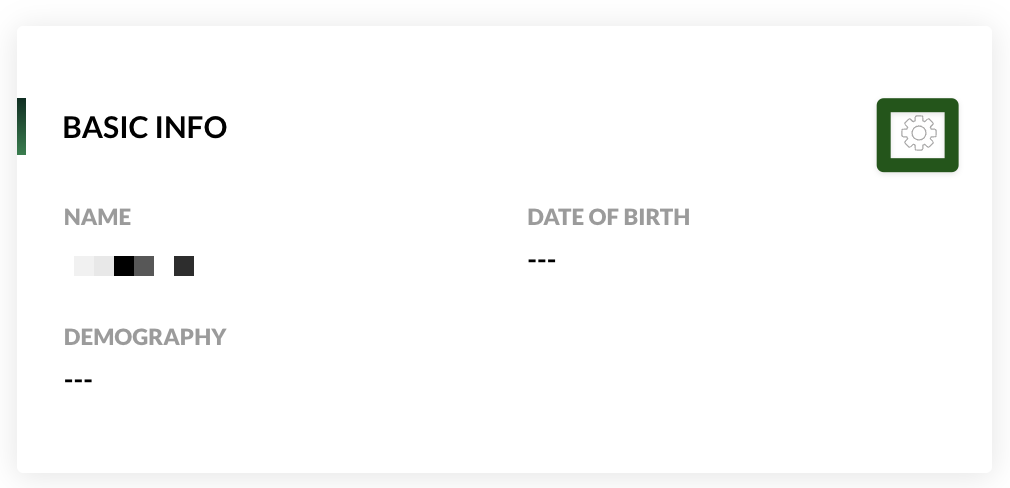
You can delete your Lobster ID account yourself at any time in your user profile. This ends your access to all Lobster services. If you belong to a company, that assignment is removed as well. A deleted account cannot be restored, you would have to register again.
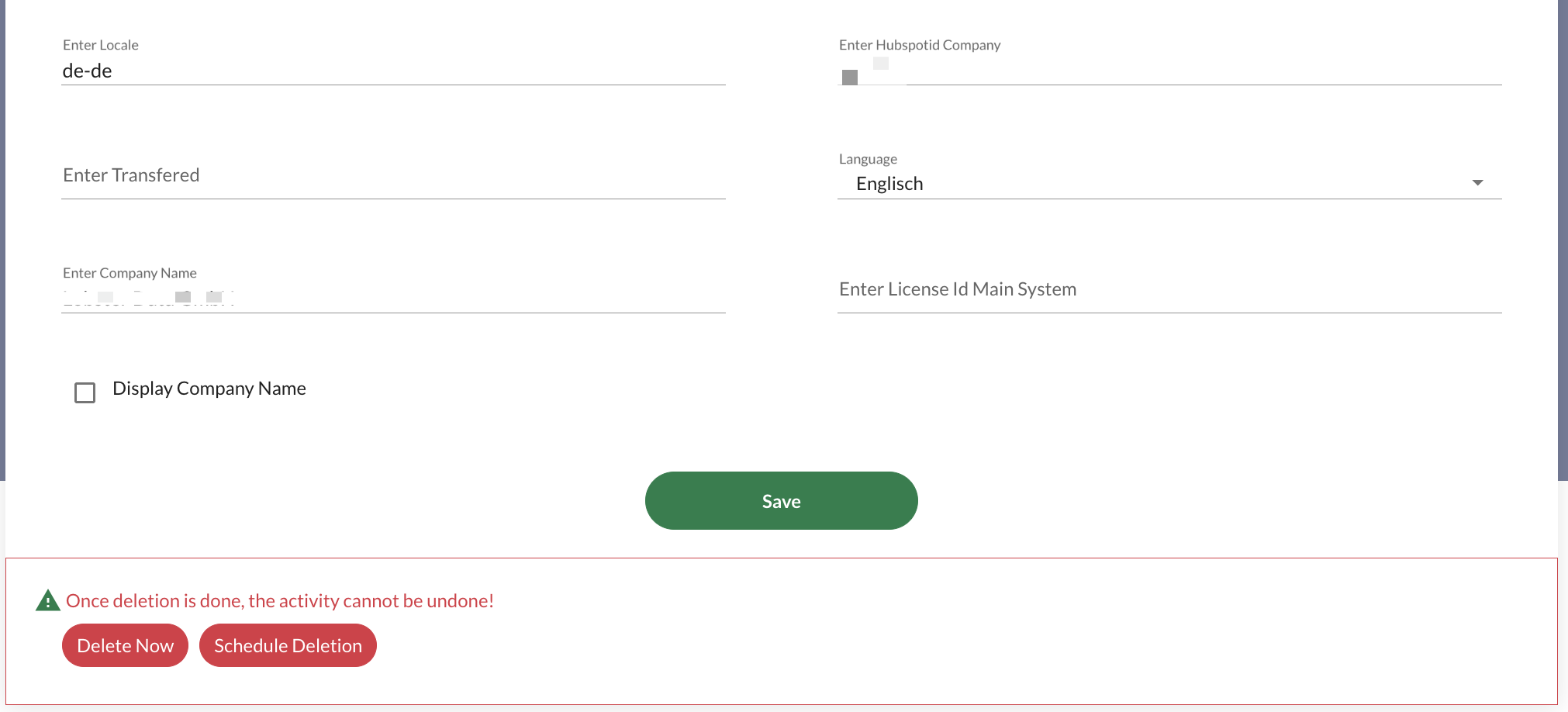
What You Cannot Change Yourself
The assignment of your account to your company is not something you change in your user profile. Contact the Lobster ID company admin at your company or raise a ticket in the support portal. See "Getting Assigned to Your Company".